 Pivotra AI · Partner guide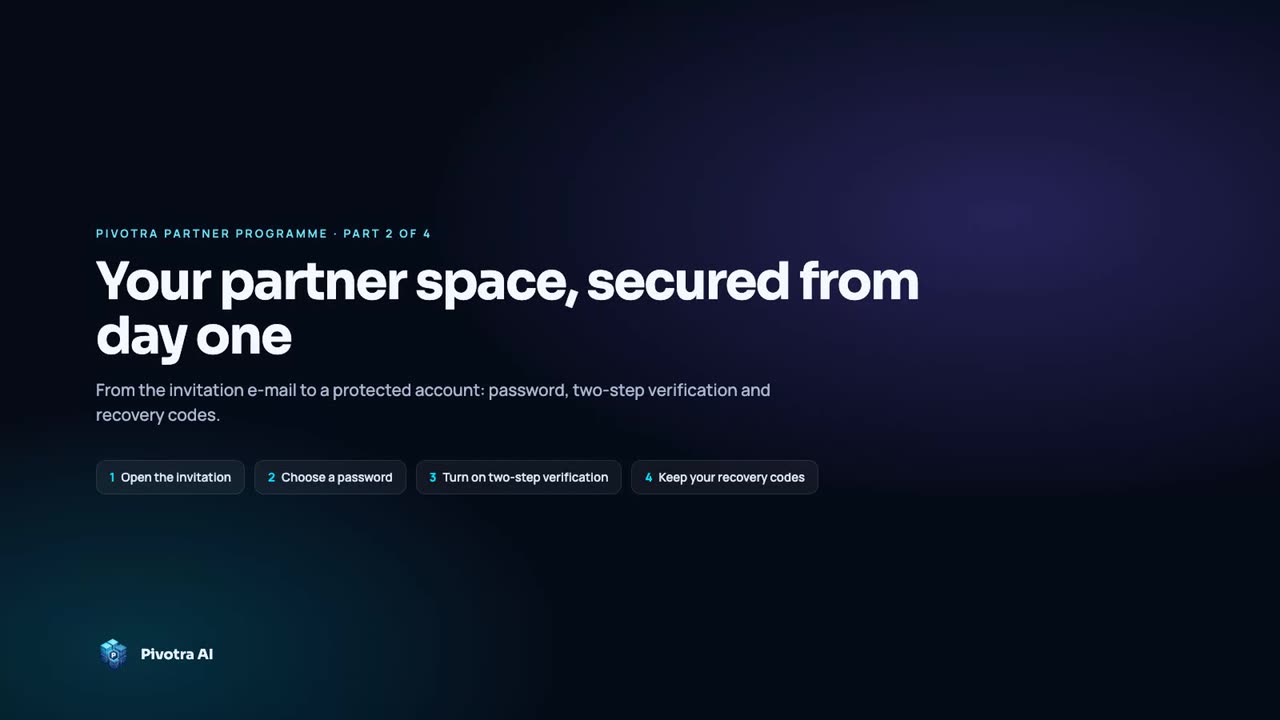
From the invitation to a running campaign
The partner works only in its own space, the partner portal. It never sees the Pivotra console and cannot see other partners. Everything is available in English and French.
Open the invitation e-mail
Subject: "Your <partner> access to the Pivotra partner portal". The button Set up my access opens
/partner/accept. The link works once and expires after 7 days; after that, ask Pivotra to resend it.Choose a password
/partner/acceptCheck the name, then type the password twice. Rule: at least 12 characters, mixing three of lower case, upper case, digits and symbols. A meter shows the strength. Press Continue.
Turn on two-step verification
/partner/enrollIt is mandatory for every partner user. Scan the QR code with the authenticator app, or type the manual key shown under it. Enter the 6-digit code from the app and press Enable 2FA.
Keep the recovery codes
Eight one-time codes are shown once. Each can replace the app code a single time if the phone is lost. Press Copy all codes, store them in a password manager, then Open my partner space.
ImportantWithout the phone and without these codes, only Pivotra can reset two-step verification.Sign in next time
/partner/loginWork e-mail and password, then the 6-digit code. Use a recovery code instead is under the code field. Forgot your password? sends a reset link by e-mail.
Run the campaign
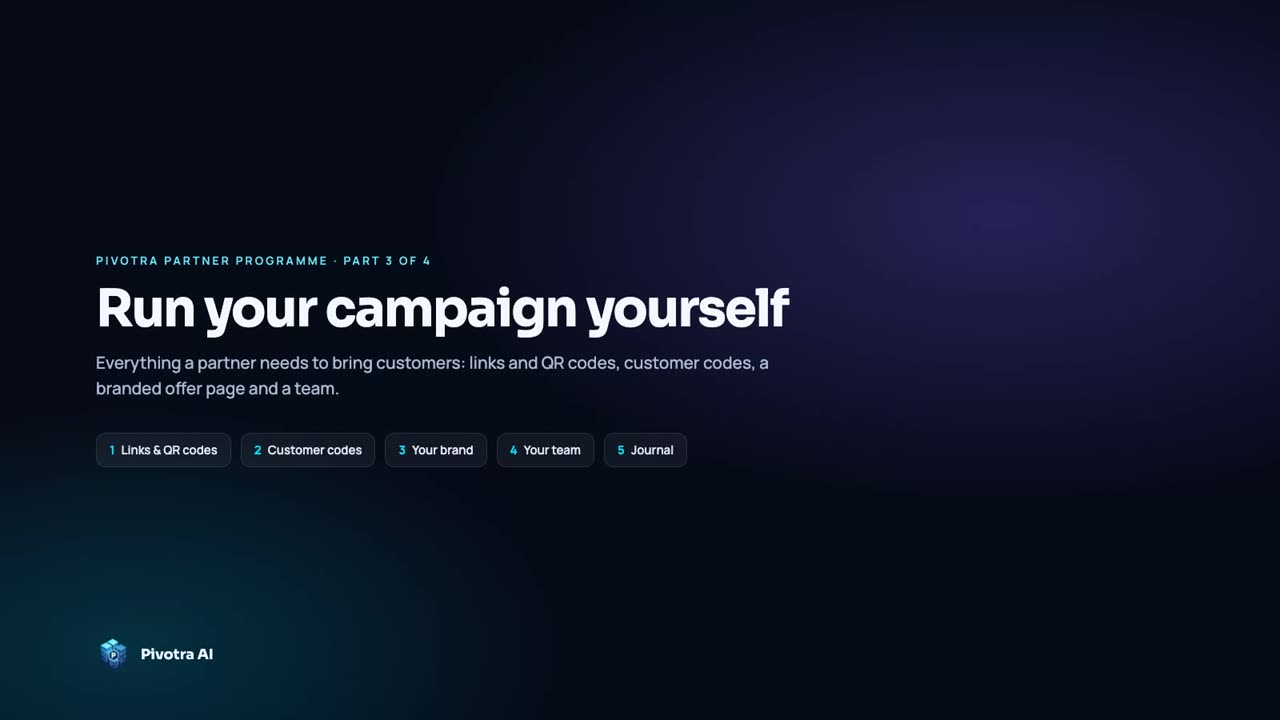
The left menu of the partner space. What each person sees depends on their role (see Roles).
Dashboard
Link visitors, sign-ups, free devices unlocked and first devices online, over 30 or 90 days, with the daily activity chart and the offers Pivotra runs for the partner (status, discount, free tiers granted against the cap).
Links and QR codes
LinksCreate the linkOne link per channel (newsletter, event, website…) so the partner sees which channel brings customers. Each link has Copy the link and Show the QR code, with a PNG download for flyers and stands. Old links can be archived.
Customer codes
Customer codesCreate codesPick the offer, how many codes (up to 500 at a time, within the quota left on the campaign cap) and a note to remember the batch, e.g. "Members evening, 14 October". The codes look like
NORTHWIN-XXXX-XXXX-XXXX.Shown onceCopy or download the CSV straight away. Pivotra keeps only a fingerprint of each code. The list below tracks each code as unused, used or revoked.Brand
BrandSave draftSubmit for reviewLogos for dark and light backgrounds (PNG, JPEG or WebP, up to 500 KB), an accent colour (it must stay readable, the page checks the contrast) and the texts in English and French. The live preview shows the offer page as customers will see it. Nothing changes publicly until Pivotra approves; a rejection comes back with a comment.
Team
TeamSend invitationThe partner admin invites colleagues with a role. Each new person goes through the same set-up: e-mail, password, two-step verification. From the list the admin can change a role, resend an invitation, send a password reset link, reset two-step verification or suspend someone.
Journal
Every sign-in, code batch, link, brand change and invitation, with who did it and when.
Integration
Webhooks send a signed HTTPS call when a customer signs up, unlocks the free devices or brings the first device online. API keys give read-only access to the partner's figures and customer list for its CRM, limited to 60 requests per minute. Secrets are shown once.
My account
Profile photo, password change (asks for the current 6-digit code), new recovery codes, move two-step verification to a new phone, and sign out on every device.
What the customer sees
The customer never deals with Pivotra's partner tools. They follow a link, read the partner's offer and sign up. The offer stays attached to them for 7 days on that browser, even if they leave and come back.
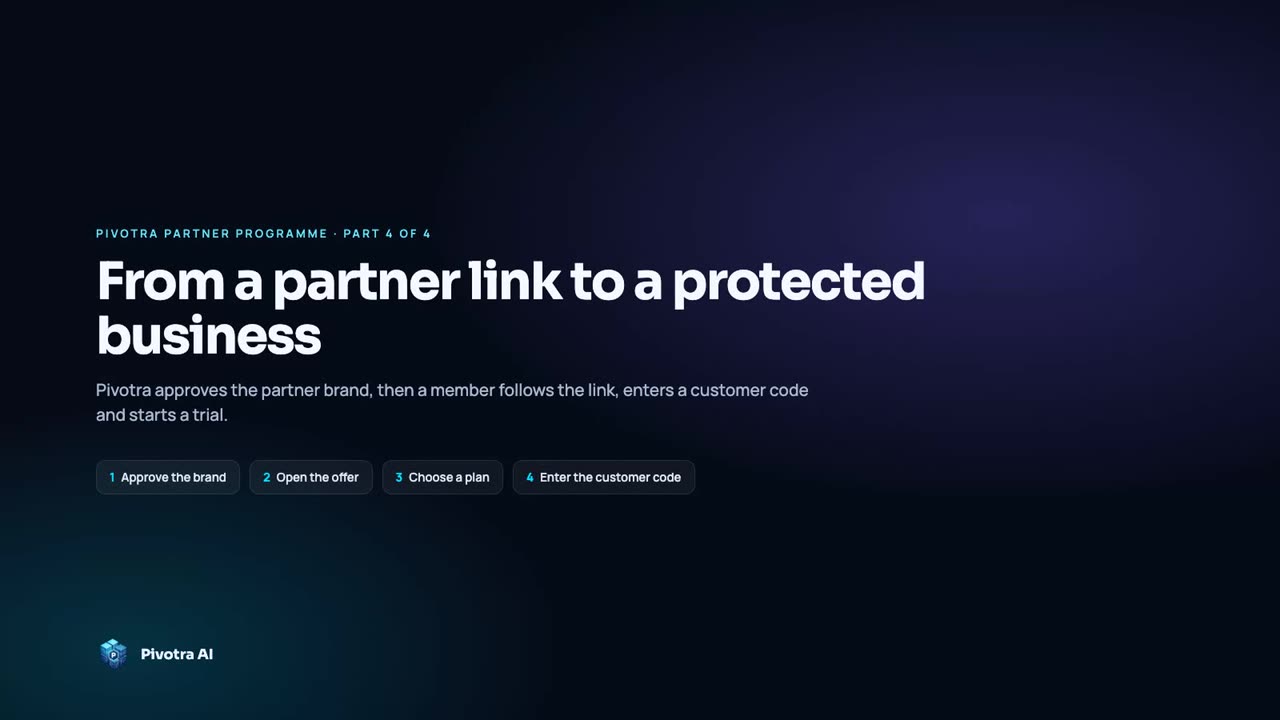
Open the partner link
/p/northwindFrom a newsletter, a QR code or the partner website. The page shows the partner brand, the discount and the free devices, and how to claim them. I already have a Pivotra account lets an existing customer link the offer to their organisation.
Sign up
Get started/startAccount type, plan, number of devices, then company details. The partner discount is already in the price on every step.
Enter the customer code
On the last step the field "<partner> customer code" appears when the free devices need a code. Accept the terms and press Start free trial (30 days, no card) or Continue to secure payment.
Activation
The customer sees Request received. Once Pivotra approves the sign-up, they receive the activation e-mail. At the first sign-in the code is redeemed automatically and the free devices are unlocked. The partner sees the sign-up on its dashboard.
Later onThe customer finds the offer in Organisation › Billing › Partner offer. A code can also be entered there, or the membership confirmed with the partner when the campaign uses the partner API check.
Partner roles
Pivotra sets the first administrator; the administrator then invites the team. Two-step verification is mandatory for all of them.
| Page | Administrator | Manager | Viewer |
|---|---|---|---|
| Dashboard, Customers | Yes | Yes | Yes |
| Customer codes, Links | Yes | Yes | No |
| Brand, Team, Journal, Integration | Yes | No | No |
Common questions
Do I need access to the Pivotra console?
No. Partners only use their own partner space. Pivotra sets up your partner account and offer; everything else you do yourself.
Who creates the customer's organisation?
The customer, by signing up through the partner link. Pivotra approves the sign-up. No manual tenant creation is needed for partner customers.
The invitation expired or never arrived
Ask your Pivotra contact (or your partner admin, for a colleague) to resend it. Check the spam folder first. The console says whether the e-mail was sent.
A partner lost its phone
Sign in with a recovery code, then move two-step verification to the new phone in My account. With no codes left, your partner admin or your Pivotra contact resets two-step verification.
"Create codes" is greyed out
No quota is left: the codes already created have used up the campaign cap. Ask your Pivotra contact to raise it.
The partner's brand does not show on the offer page
It is still waiting for review, or it was rejected. The Brand page shows the status and Pivotra's comment.
How does a partner connect its CRM?
Integration › Webhooks for real-time events and API keys for read-only figures. Both are self-service in the partner space.